
Running
Plans
On Your
Apple Watch
Built around your goal, schedule, pace, and heart rate

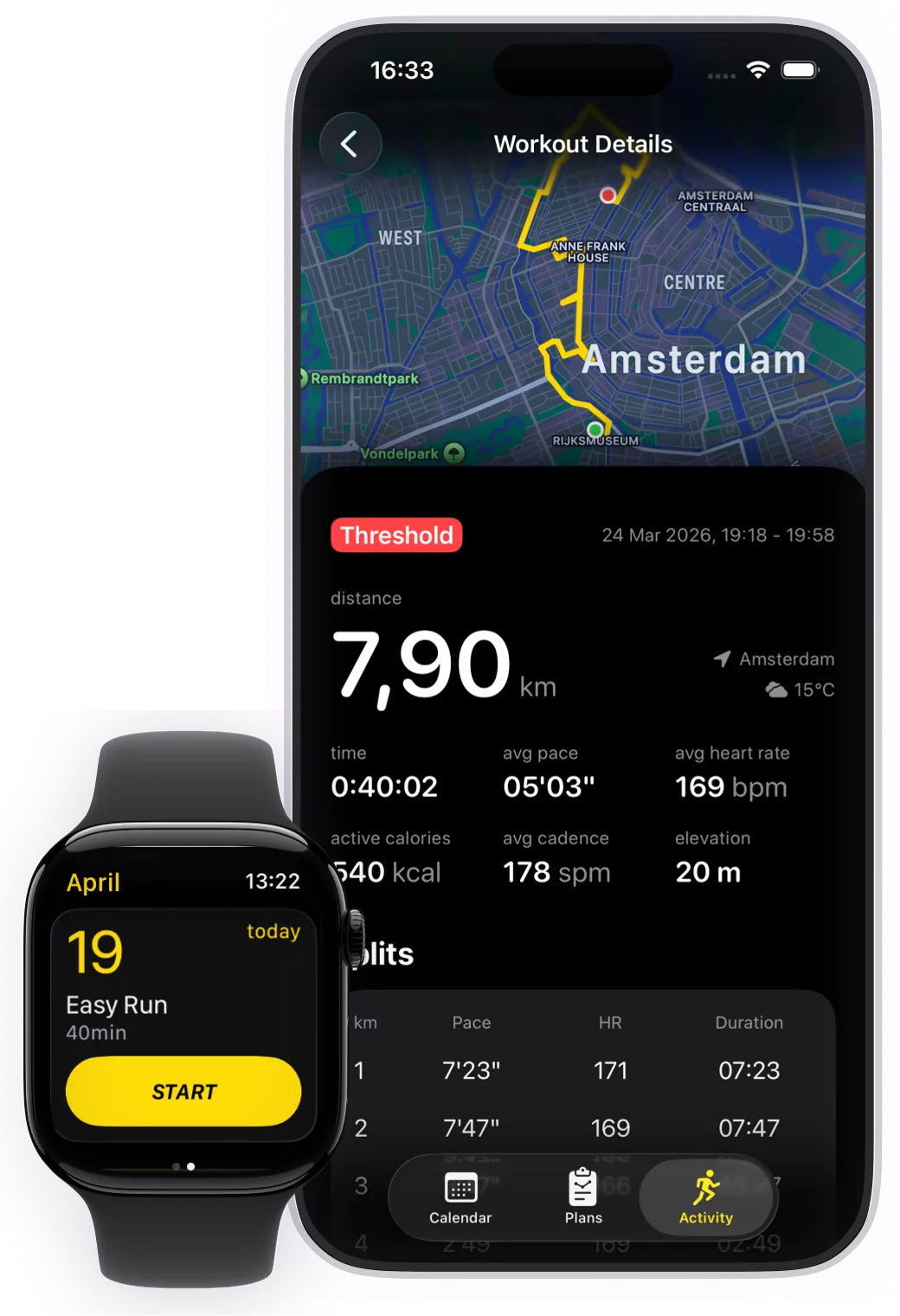
Simple and Structured
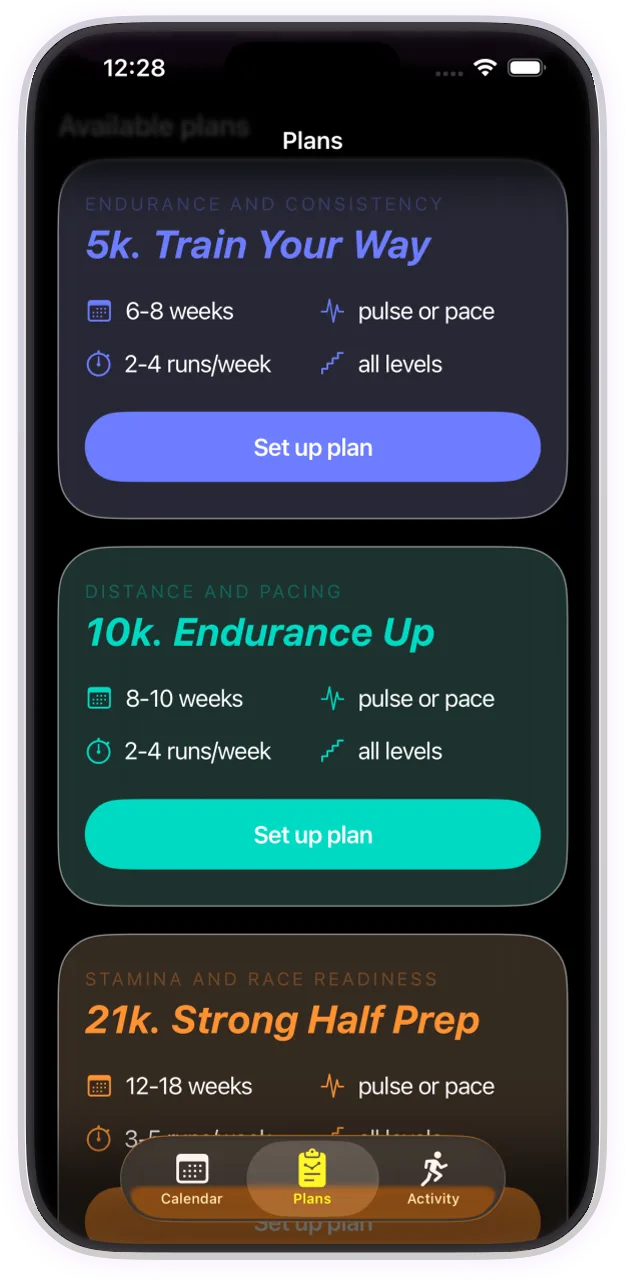
Pick your goal
Whether you’re training for a race or staying in shape
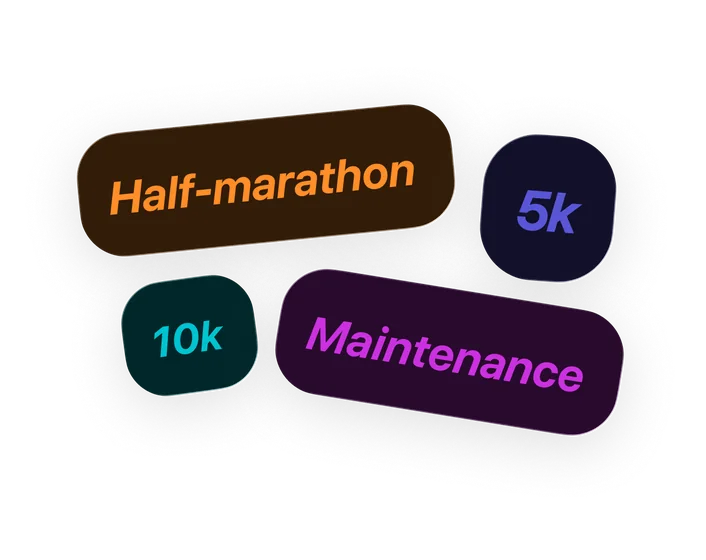
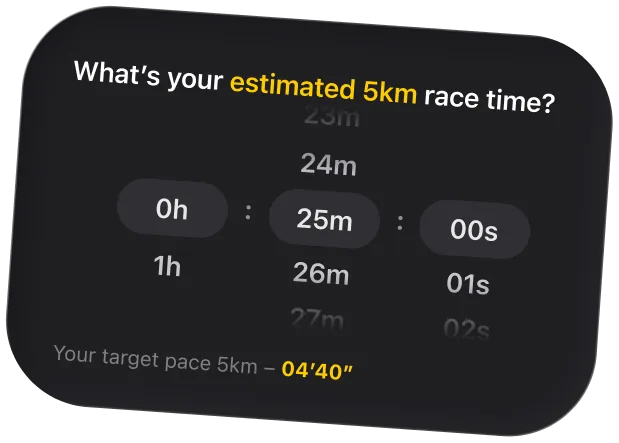
Set up your plan
Built around your schedule, pace, and heart rate zones.
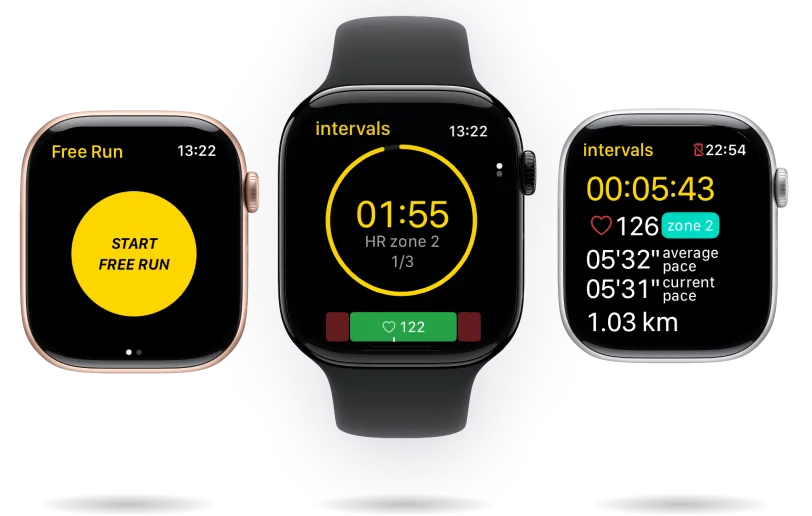
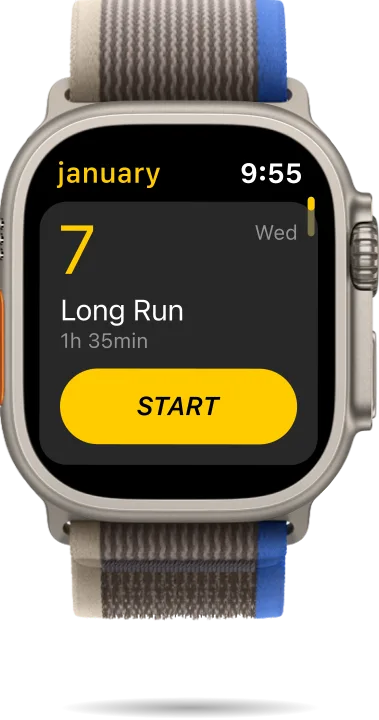
Train from your wrist
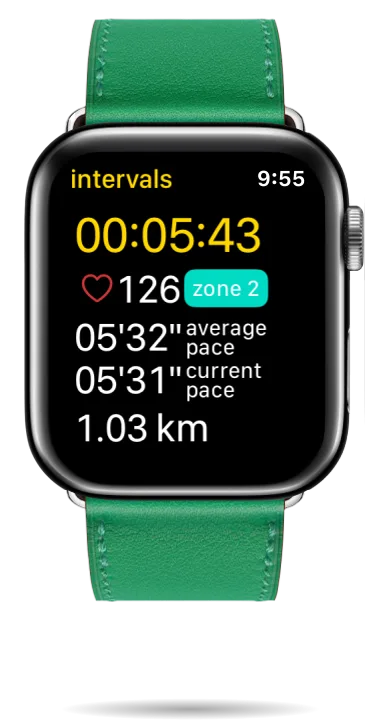
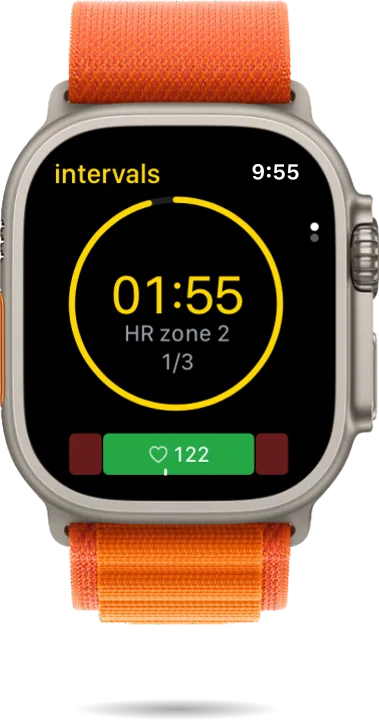
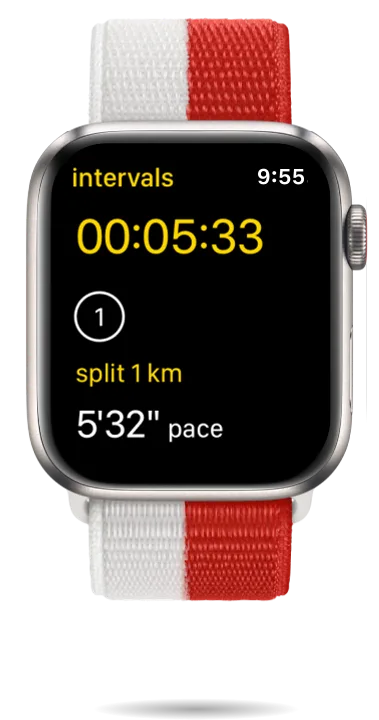
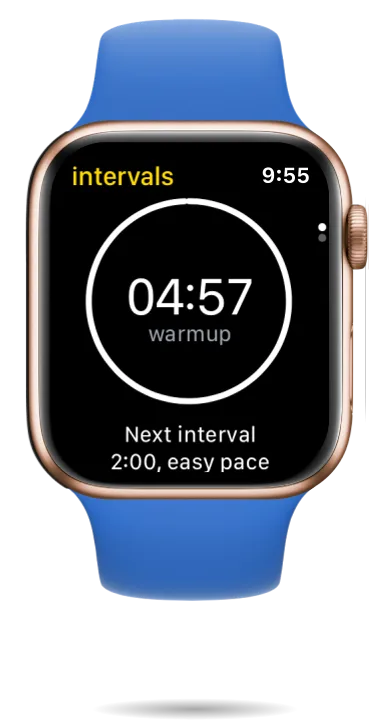
Follow every workout directly on Apple Watch
Simple and Structured
Pick your goal
Whether you’re training for a race or staying in shape
Set up your plan
Built around your schedule, pace, and heart rate zones.
Train from your wrist
Follow every workout directly on Apple Watch
Built For Runners
Every workout is designed with purpose — based on pace and heart rate zones, so you always train at the right intensity and avoid burnout.

Everything You Need To Stay Consistent

Personalized running plans
Built for your goal, schedule, and fitness level

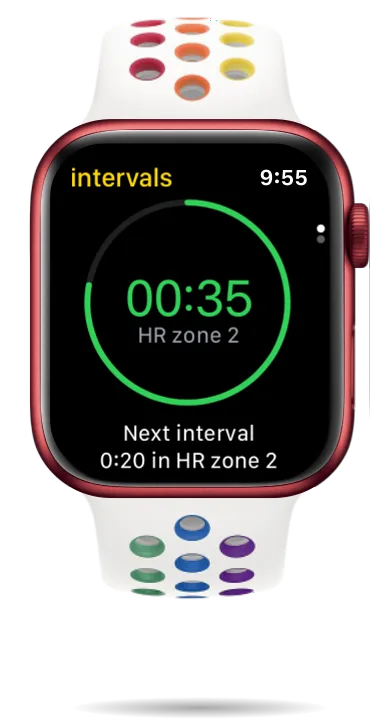
Pace & heart rate based training
Every run is guided by real training zones

Apple Watch first experience
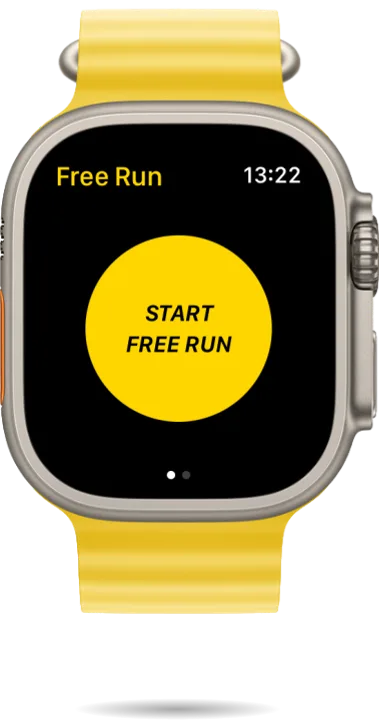
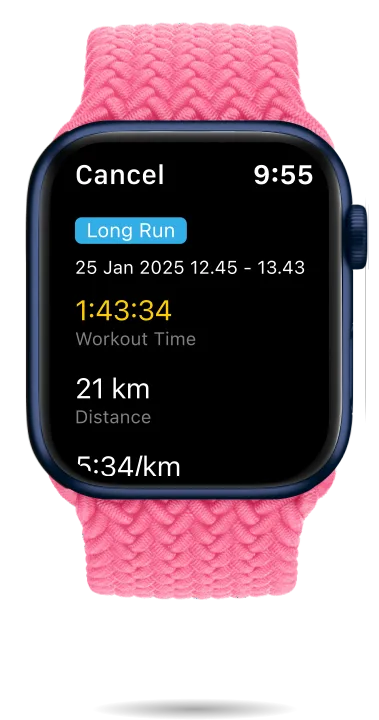
Start, track, and complete workouts directly from your wrist

Flexible schedule
Move workouts anytime when life gets in the way

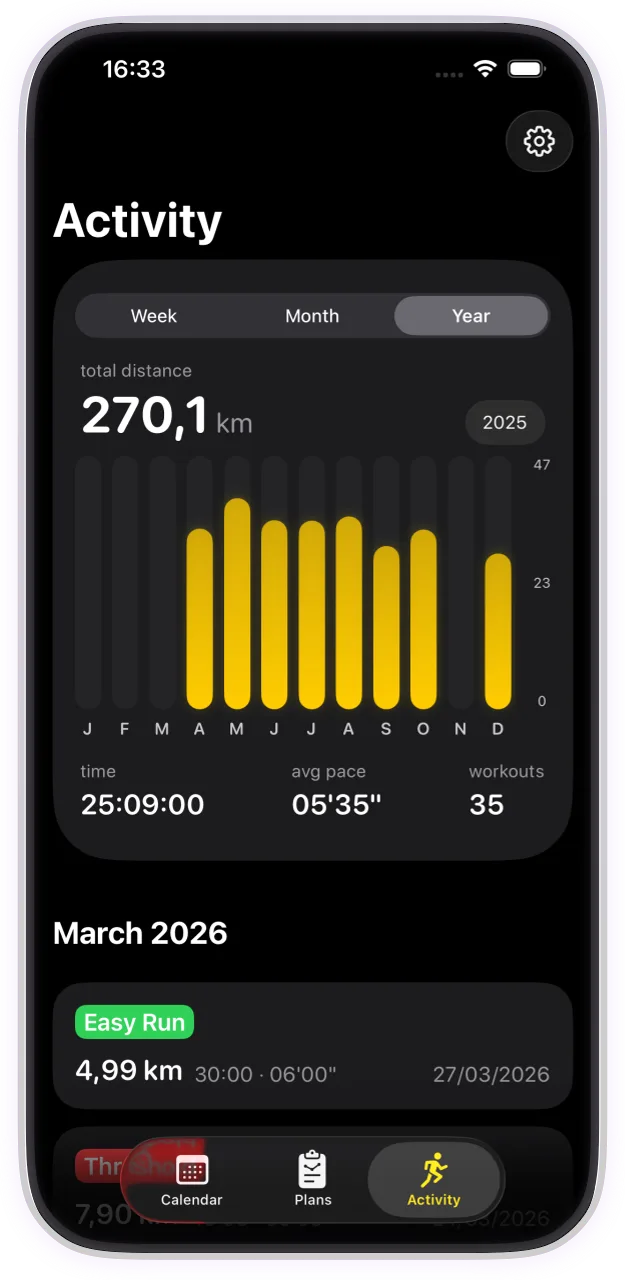
Calendar-based training view
Always know exactly what to run today

Private by design
All data stays on your iPhone
Exclusively For Apple Watch
Start training today — it's free
Questions and Answers
Absolutely. We offer plans for every level—from beginner 5K to advanced Half Marathon preparation. Because the plans are based on your personal heart rate and pace zones, the intensity is always tailored to your current fitness level.
The app uses your real-time heart rate and pace zones. Your Apple Watch will alert you if you’re pushing too hard or falling behind your target, ensuring you stay in the correct zone for optimal gains without the burnout.
No. Run Plan is designed as a standalone experience for the Apple Watch. The watch handles interval guidance, haptic alerts (vibrations), and GPS tracking entirely on its own. Note on Accuracy: While the app is built to be phone-free, carrying your iPhone with older Watch models (prior to Series 8 or Ultra) can improve GPS and pace accuracy. These older models often "tether" to the iPhone’s GPS to save battery and provide a more stable location lock. For Series 8, Ultra, and newer, the watch sensors are more than capable of pro-level precision on their own.
No. There are no sign-ups, no email requirements, and no passwords to remember. You simply download the app and start training. And because there is no account, your runs stay on your device and in Apple Health — the full picture is at runplan.app/privacy.
Life happens. Run Plan features a flexible schedule that lets you move workouts to any day of the week with a single tap. The plan doesn't punish you; it adapts to your calendar.
Personalized plans for 5K, 10K, Half Marathon and Marathon — from beginner to advanced. We also included a Maintenance Plan to help you stay in peak shape between races, and a speed-development plan for when there is no race on the calendar.
That is a fair one-liner. Garmin owners get free structured training plans built into their watch; RunPlan plays that role on Apple Watch — full 5K-to-marathon plans running entirely from the wrist, with live intervals, pace targets and haptic cues, and paces set from a real race result.
Yes — the whole app, right now: every plan, the full Apple Watch experience, progress tracking. No trial, no locked weeks, no ads, no account. Whatever happens in the future, it will not be a subscription. The full breakdown is at runplan.app/free.
Open the Watch app on your iPhone, scroll to Available Apps and install RunPlan from there. If your plan is not showing on the watch: check Bluetooth is on and the devices are nearby (same Wi-Fi helps), open RunPlan on the watch for a moment, and tap the watch icon in your active plan to push the schedule again. Restarting both devices genuinely fixes the stubborn cases — the full checklist is on our FAQ page.
Not yet — and when it does, it won’t be silent: the plan you read on Monday should be the plan you recognize on Friday. Checkpoint-based adaptation (a time trial offering new paces, a missed stretch offering easier remaining weeks, always with a before/after view) is under work and coming in the next updates. Today you can move, swap or cancel any workout yourself.
We integrated the proven philosophies of Jack Daniels, Hal Higdon, and Pete Pfitzinger. Our custom model refines these frameworks to tailor every plan specifically to your goal, schedule, and fitness level.
More — including watch sync troubleshooting and what’s under work — on the full FAQ page.
Run With Purpose
Train With A Plan
No sign-ups • No ads