Press kit
Everything you need to write about RunPlan. Questions, review builds, original assets in any size: e-mail us.
Try the 1.14 beta on TestFlight →
The story
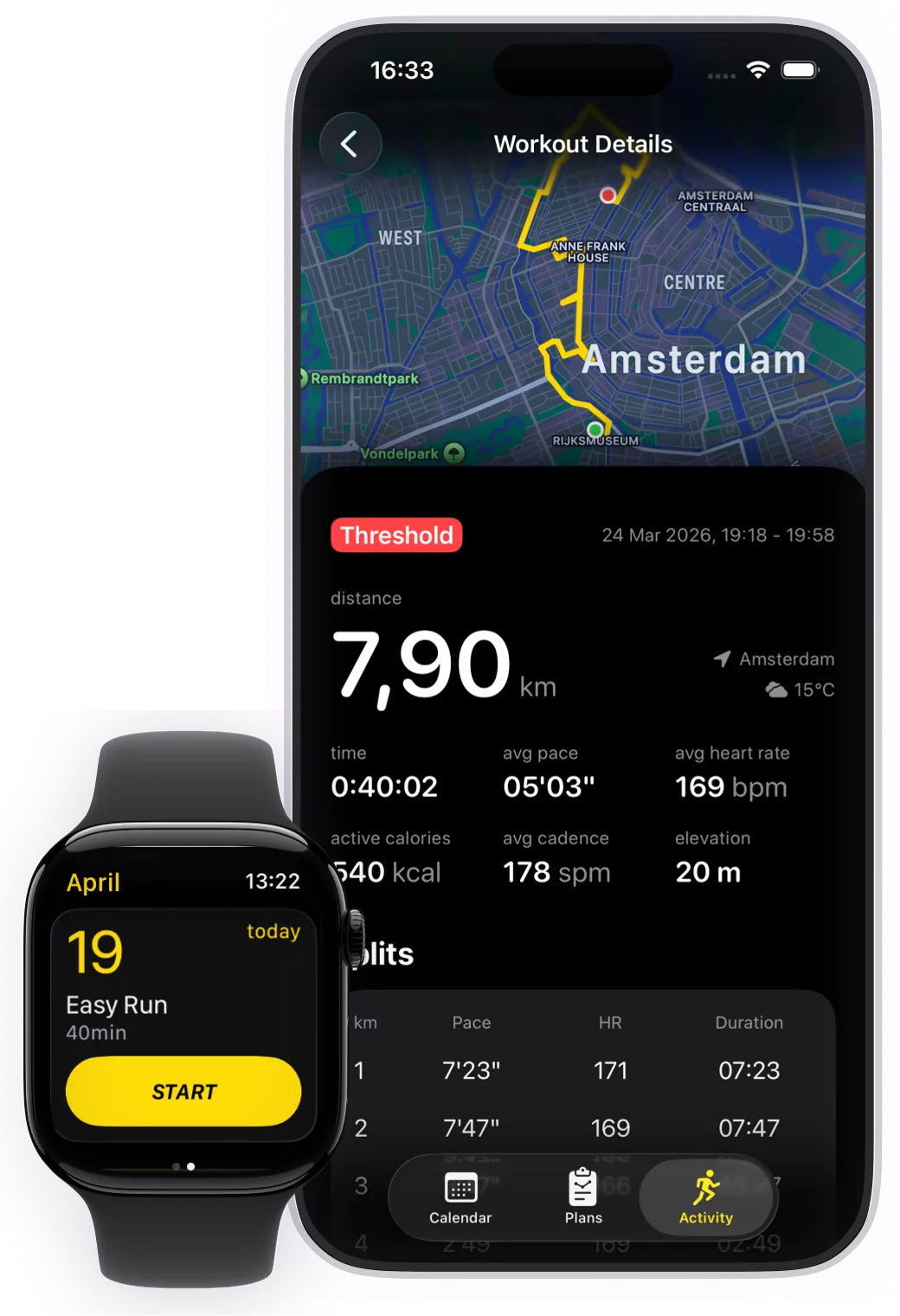
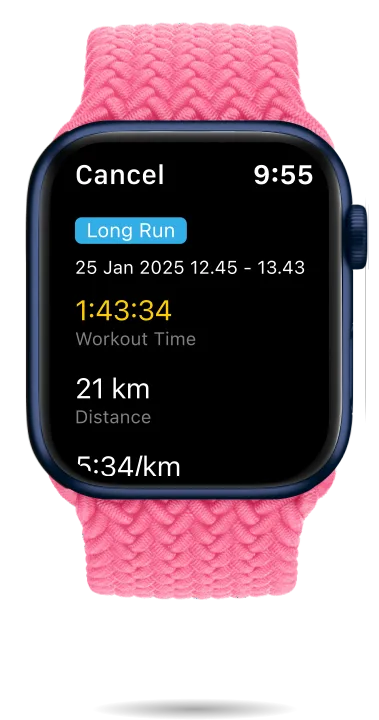
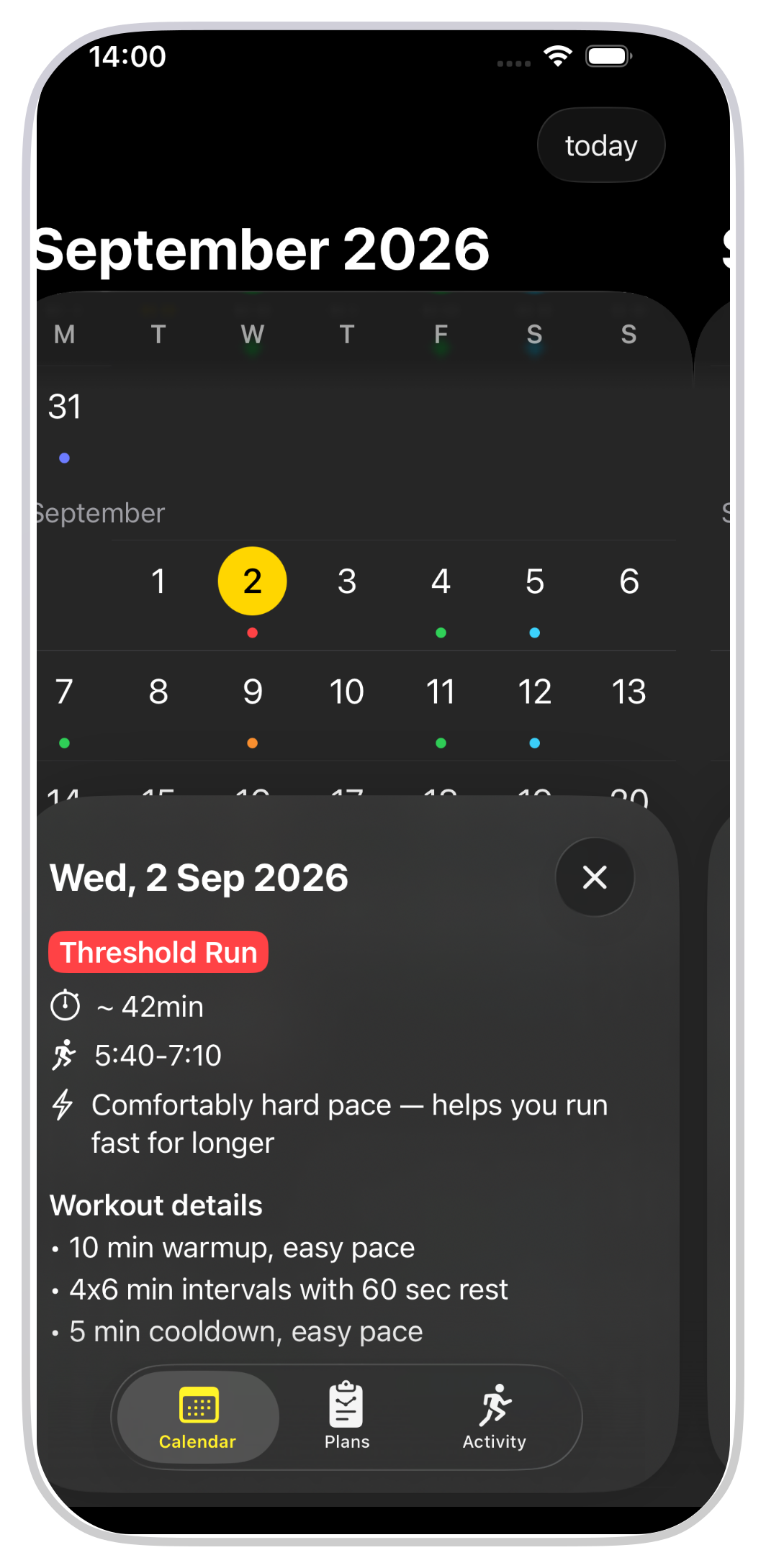
RunPlan is a free training-plan app for runners, built Apple Watch-first by a two-person team. It generates complete 5K-to-marathon plans — every workout, recovery weeks, taper — with paces derived from a race the runner has actually run, and executes them from the wrist with live intervals and haptic cues. The plan engine encodes the classic coaching canon (Daniels, Pfitzinger, Higdon) and is open source, so anyone can read the logic that builds their training. There is no subscription and never will be, no account, and no training-data cloud: runs stay on the device and in Apple Health.
New in 1.14 — the plan adapts
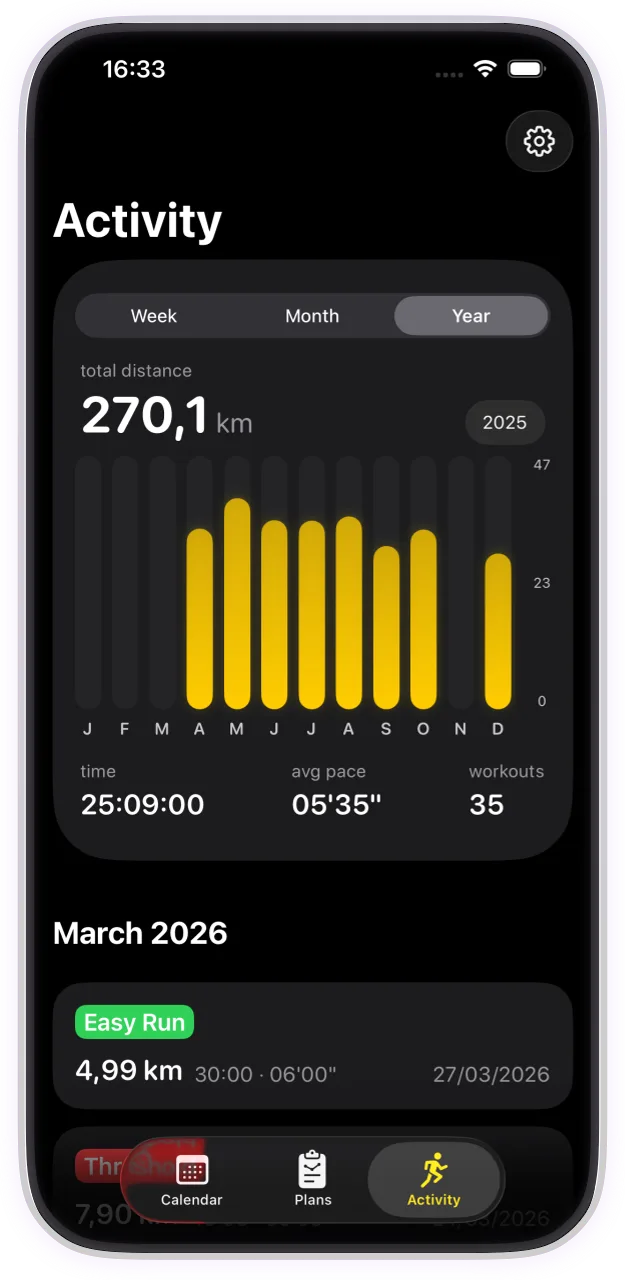
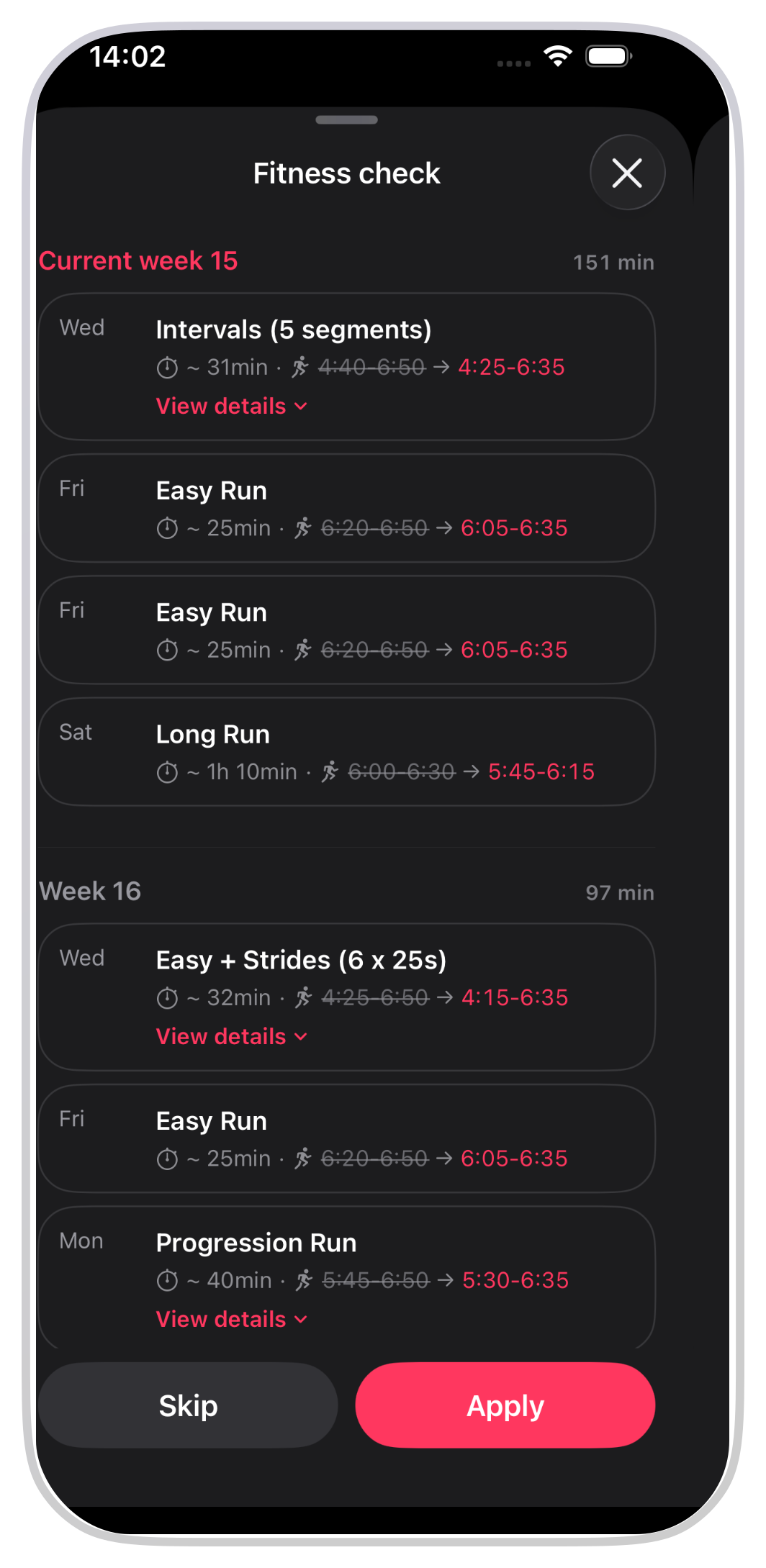
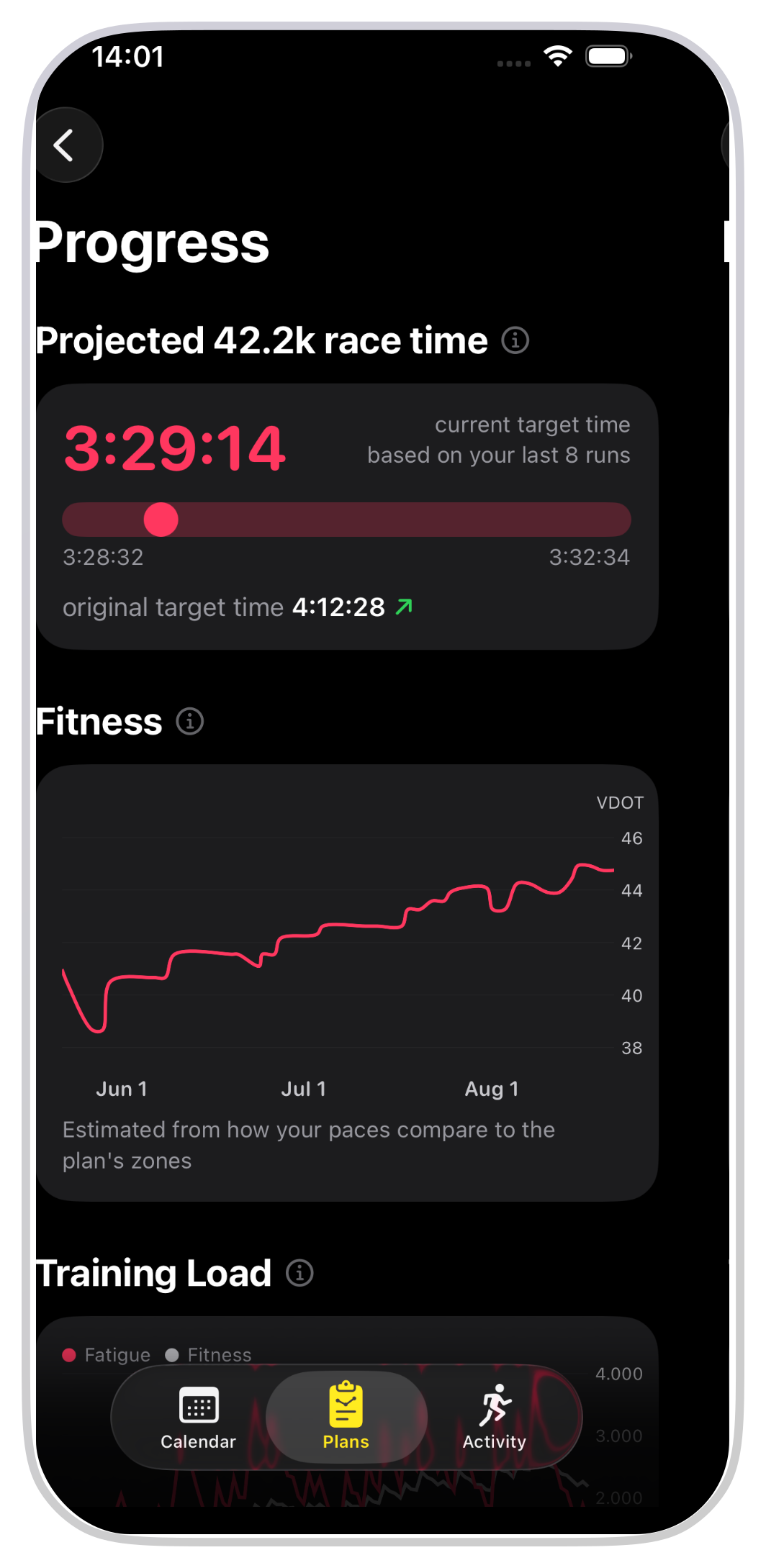
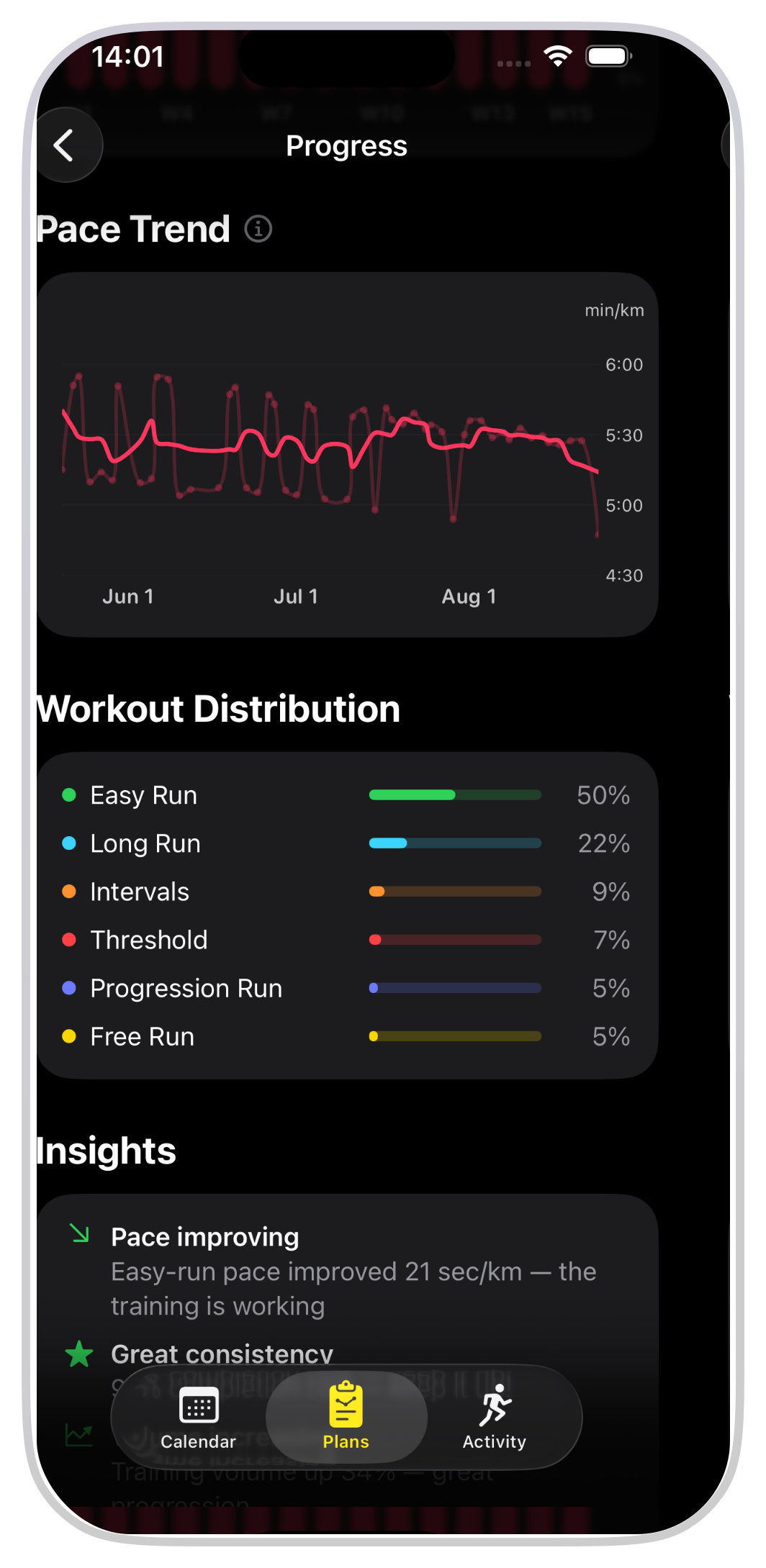
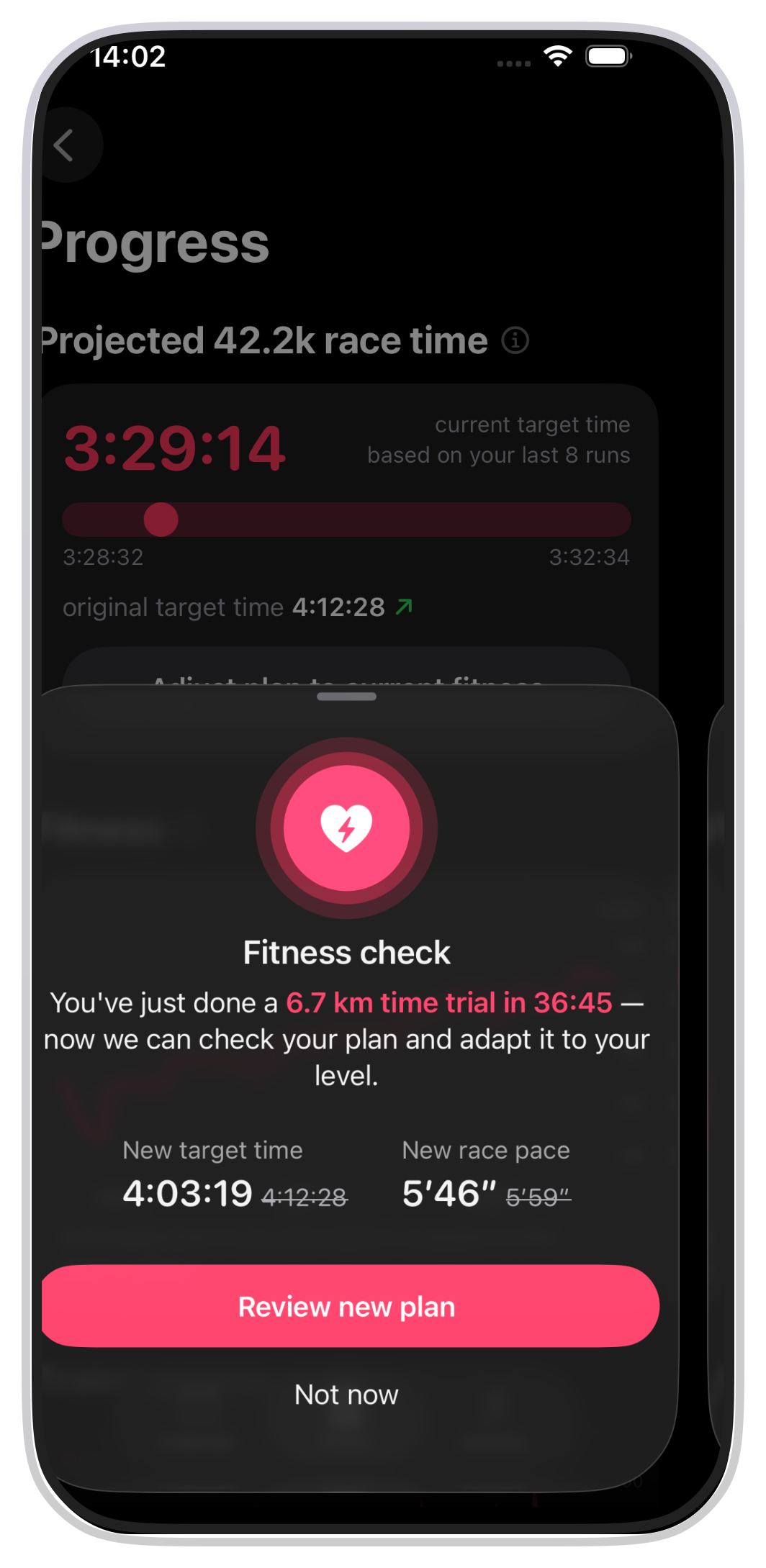
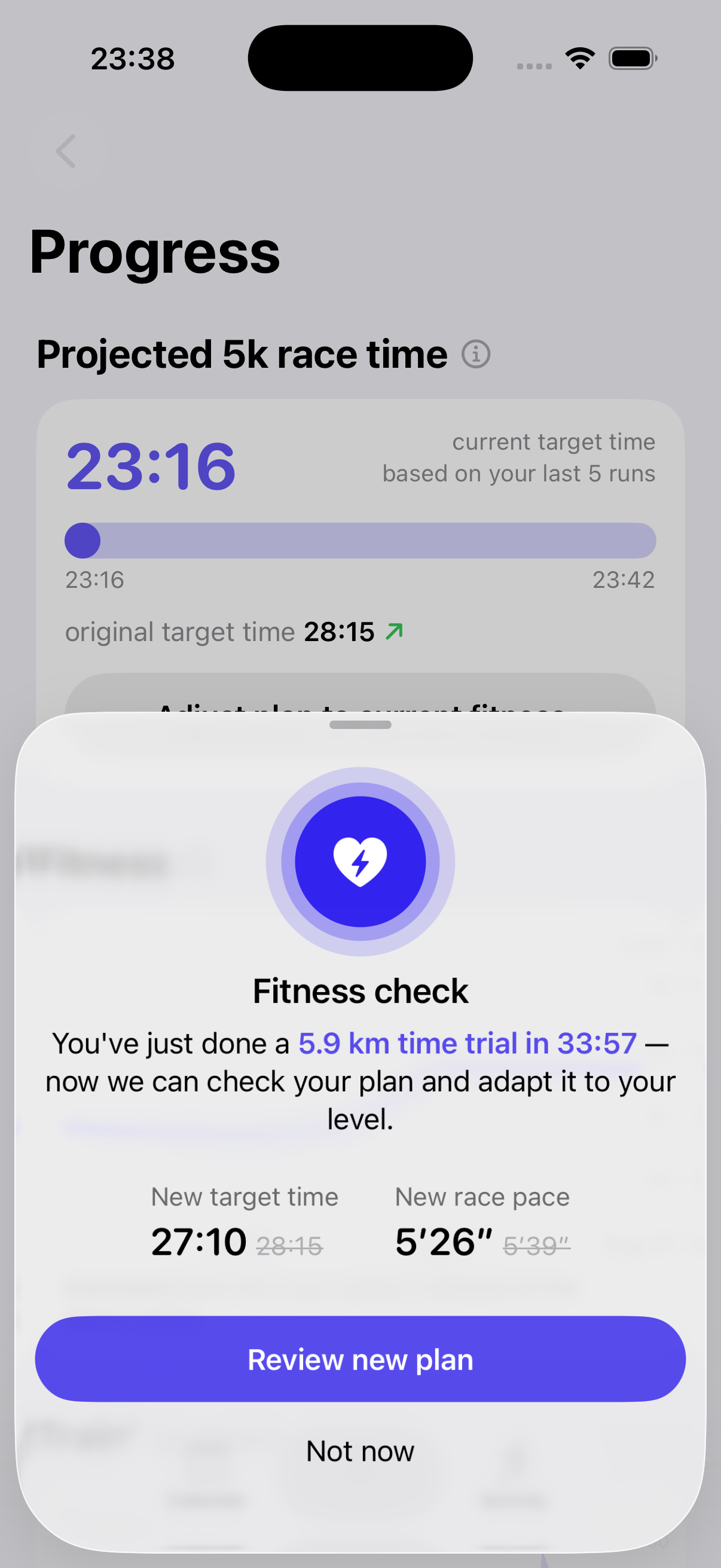
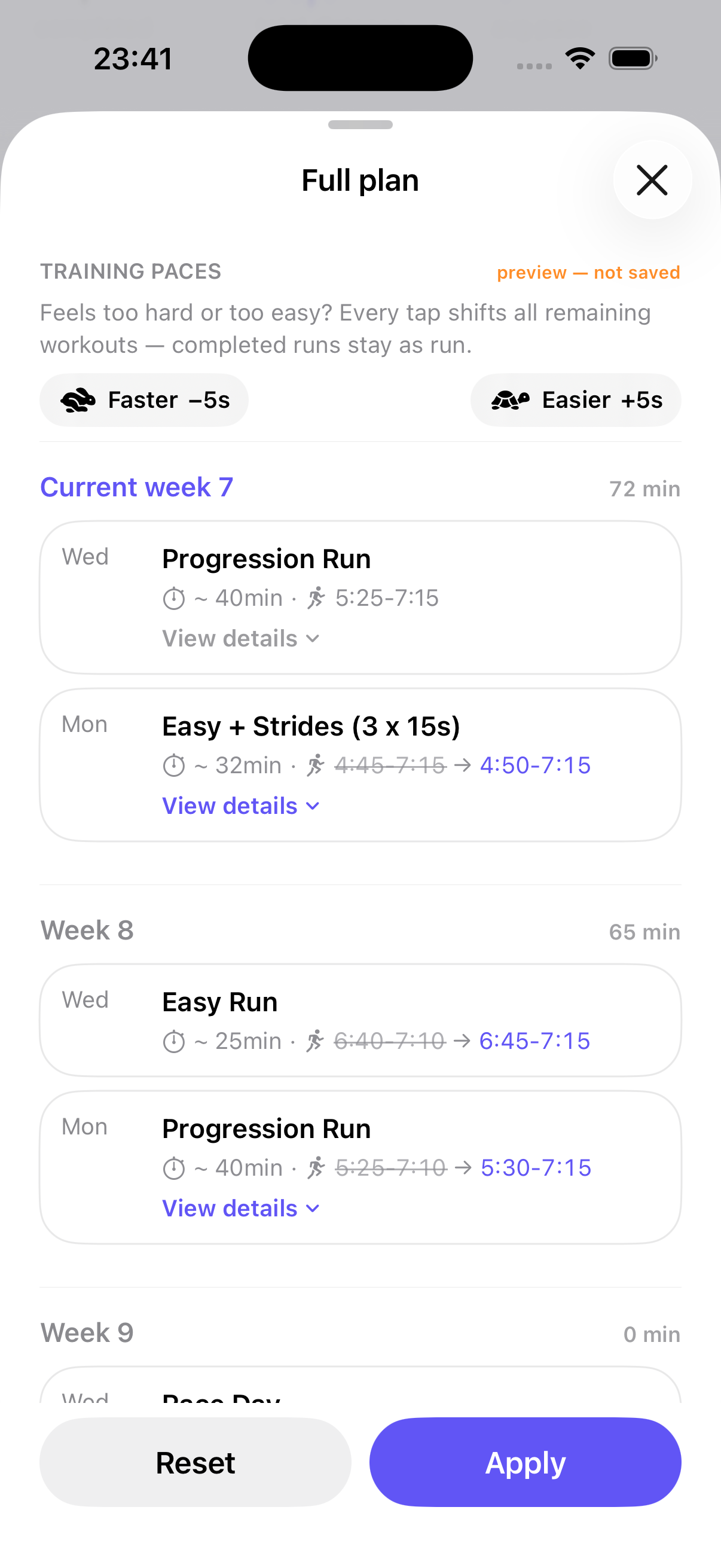
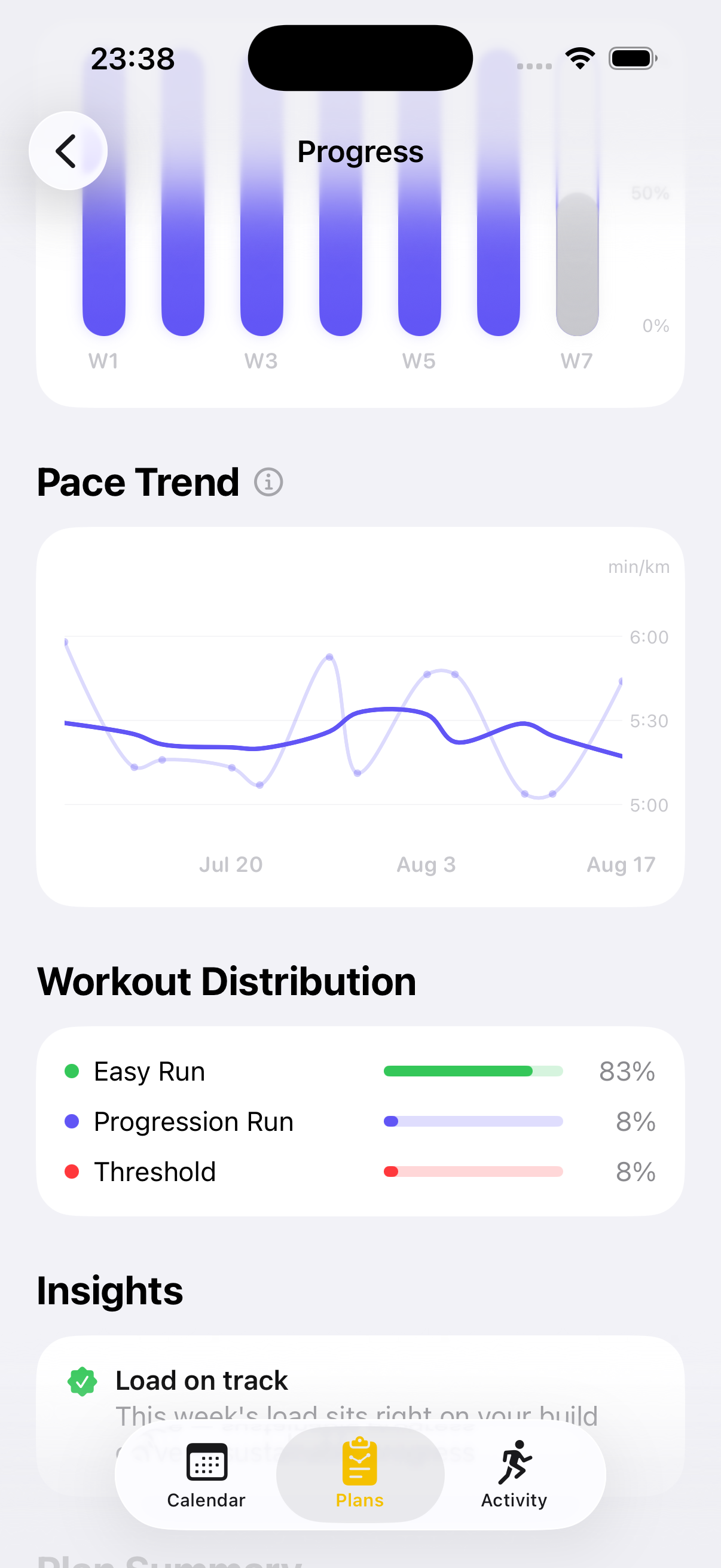
Training plans usually break the first time life happens: miss a week, and every remaining pace is wrong. Version 1.14 makes RunPlan’s plans adaptive. The app notices a longer break and offers to recalibrate — the weeks ahead adjust to the runner’s current shape, so the plan stays challenging but doable. It works the other way too: after a race or a time trial, paces update to match the fitness the runner actually showed. Completed workouts are never rewritten, and every change is shown as a preview before anything applies. A new Progress view tracks the journey — pace trends, weekly load and how closely the runner sticks to the plan.
Fast facts
| Price | Free. No subscription, no trial, no ads, no account. |
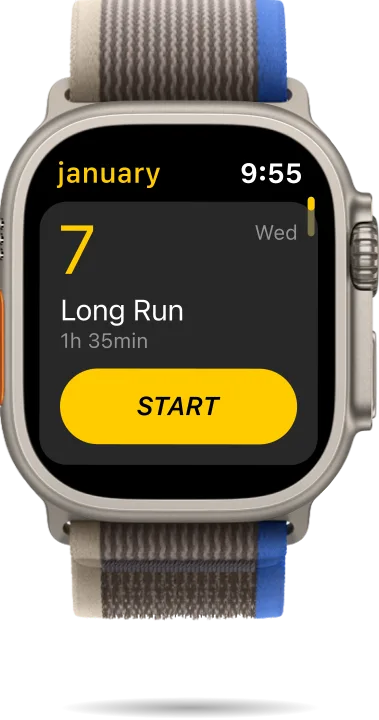
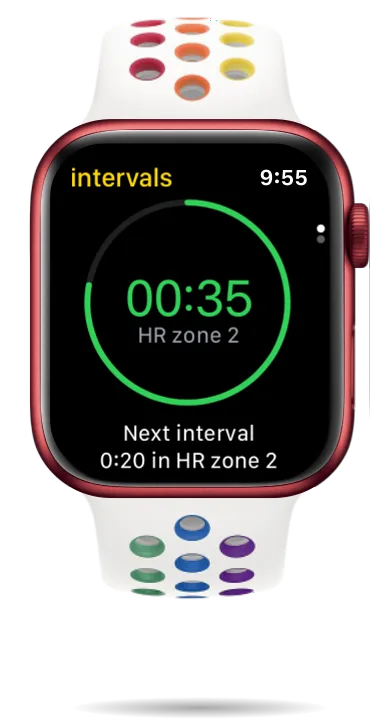
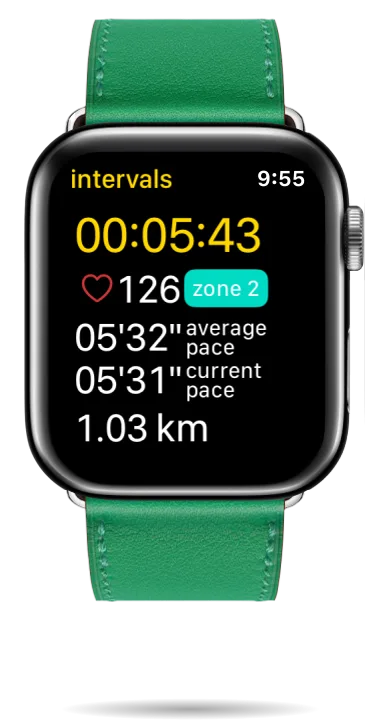
| Platform | iPhone + Apple Watch (watchOS-first: every workout runs from the wrist with live intervals, target pace windows and haptic cues). |
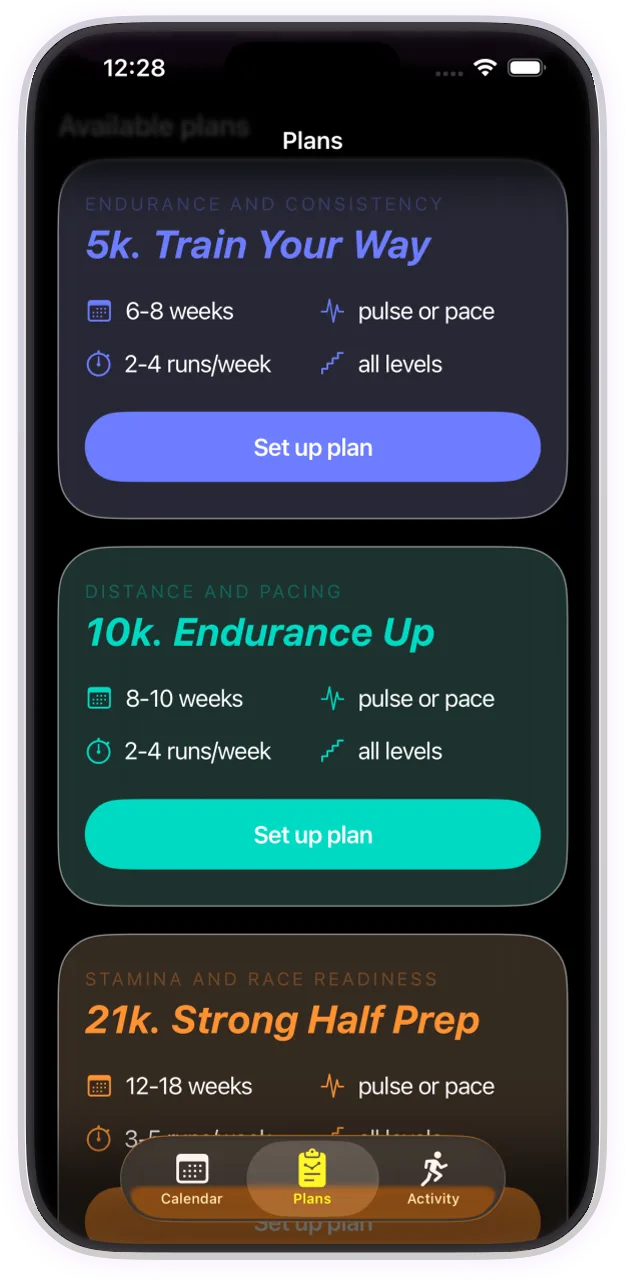
| Plans | 5K, 10K, half marathon and marathon — beginner to advanced — plus maintenance and speed-development plans. |
| Paces | Derived from a race the runner has actually run (Jack Daniels’ VDOT methodology), not from goal times or generic tables. |
| Engine | The plan generator is open source — the exact logic behind every schedule is public on GitHub. |
| Privacy | No accounts, no training-data servers: runs stay on the device and in Apple Health. The company only sees anonymous crash and feature-usage stats. |
| Languages | Nine: English, German, Spanish, French, Italian, Japanese, Dutch, Portuguese (Brazil), Russian. |
| Team | Two people, Dan and Katya. Katya — a UX designer and marathoner — started RunPlan while training for the Amsterdam Marathon on the Apple Watch she already owned; they build it together across iOS and watchOS. |
What makes it different
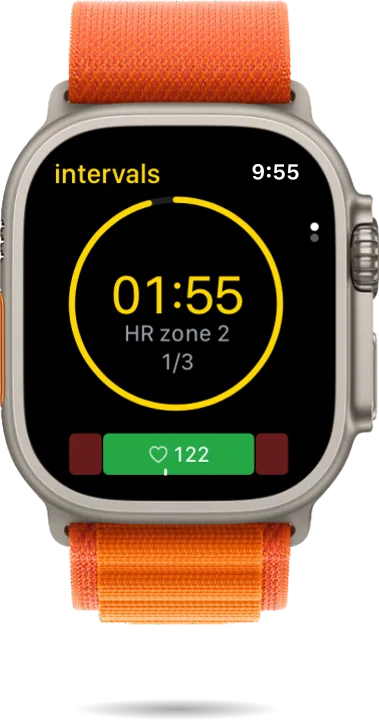
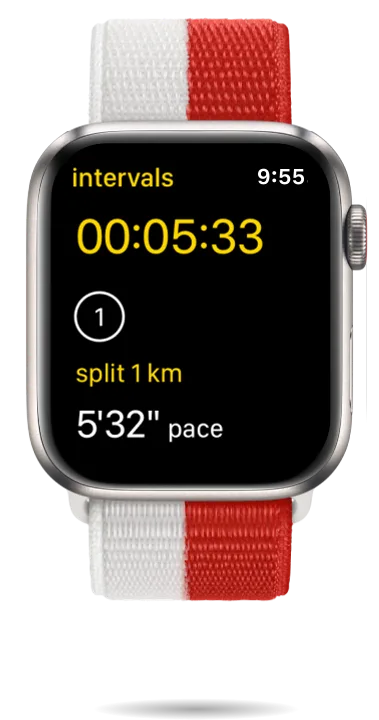
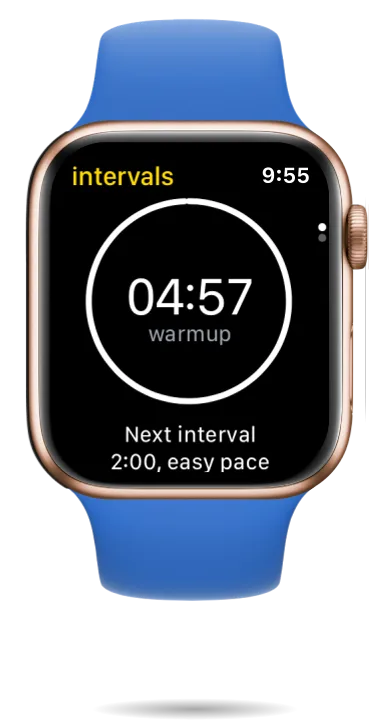
- The Watch is the coach. Not a remote control for a phone app: complete workouts run from the wrist — live intervals, pace-target windows, haptic cues — no phone needed on the run.
- Plans adapt to real life. New in 1.14: miss training, or race faster than planned, and RunPlan recalibrates the weeks ahead — always as a preview, never rewriting history.
- Free and private. No subscription, no account, no ads — why it stays free. Runs live on the device and in Apple Health: nothing to sell and nothing to breach.
Logos
Right-click to save. Vector originals and alternates on request.


Product imagery